

Related news
All-on-X PMMA Outsourcing: What Dental Labs Should Confirm Before Design and Production
An All-on-X PMMA outsourcing case can fail before design begins if the laboratory and supplier are working from different assumptions. The most useful preparation is not a longer email. It is a clear handoff that separates the case definition, design responsibility, review and approval, and production release.
Before sending the case, the laboratory should decide whether it needs design files, manufacturing support, or both. It should then package the information needed for that scope, name the reviewer, and define the point at which an approved design may move forward. These steps reduce avoidable back-and-forth and make later revisions easier to trace.
First Define the All-on-X PMMA Scope
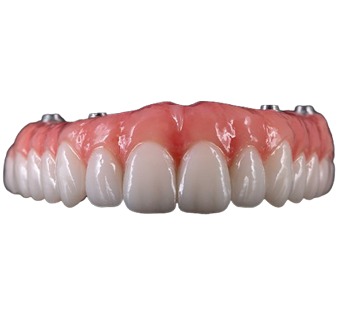
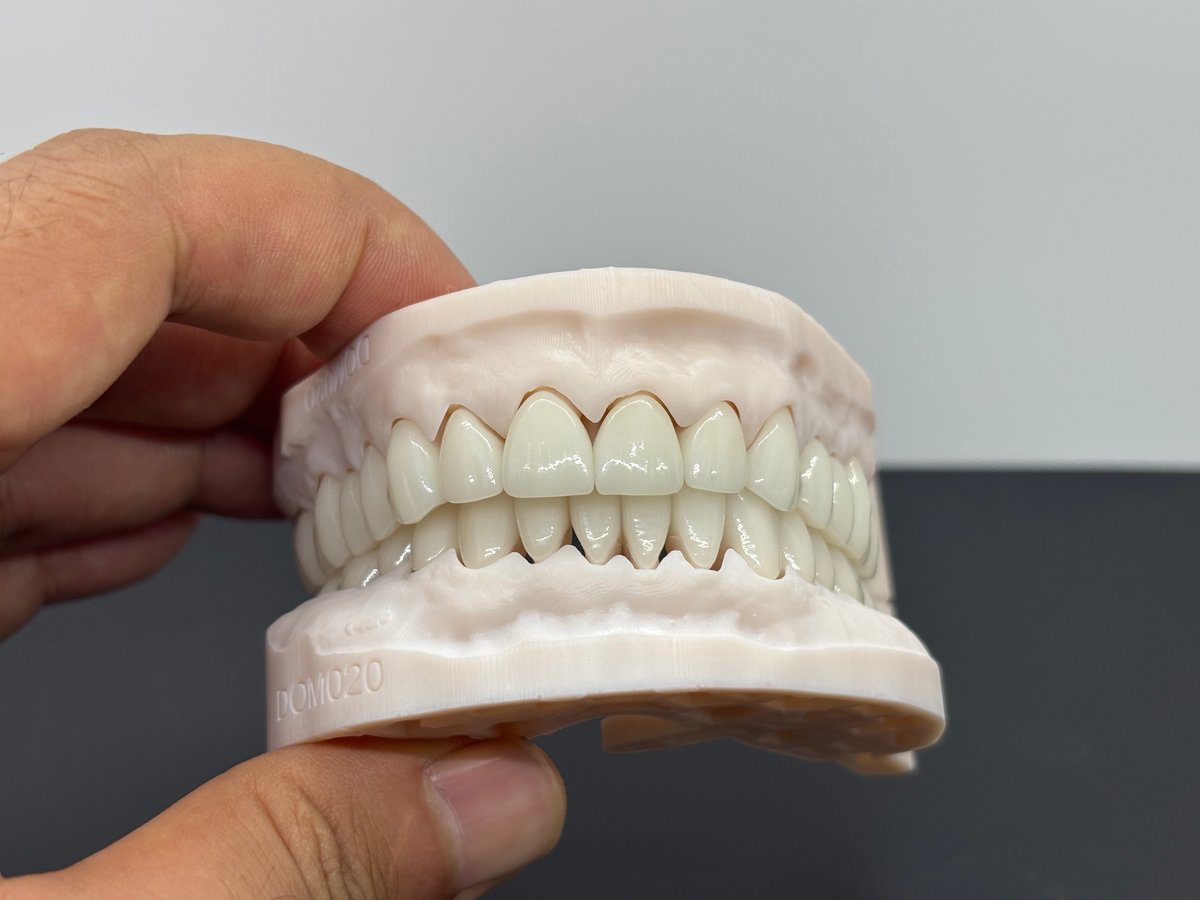
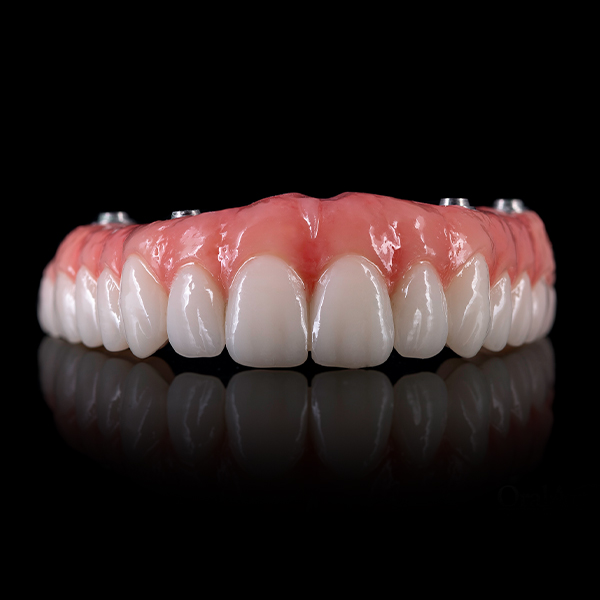
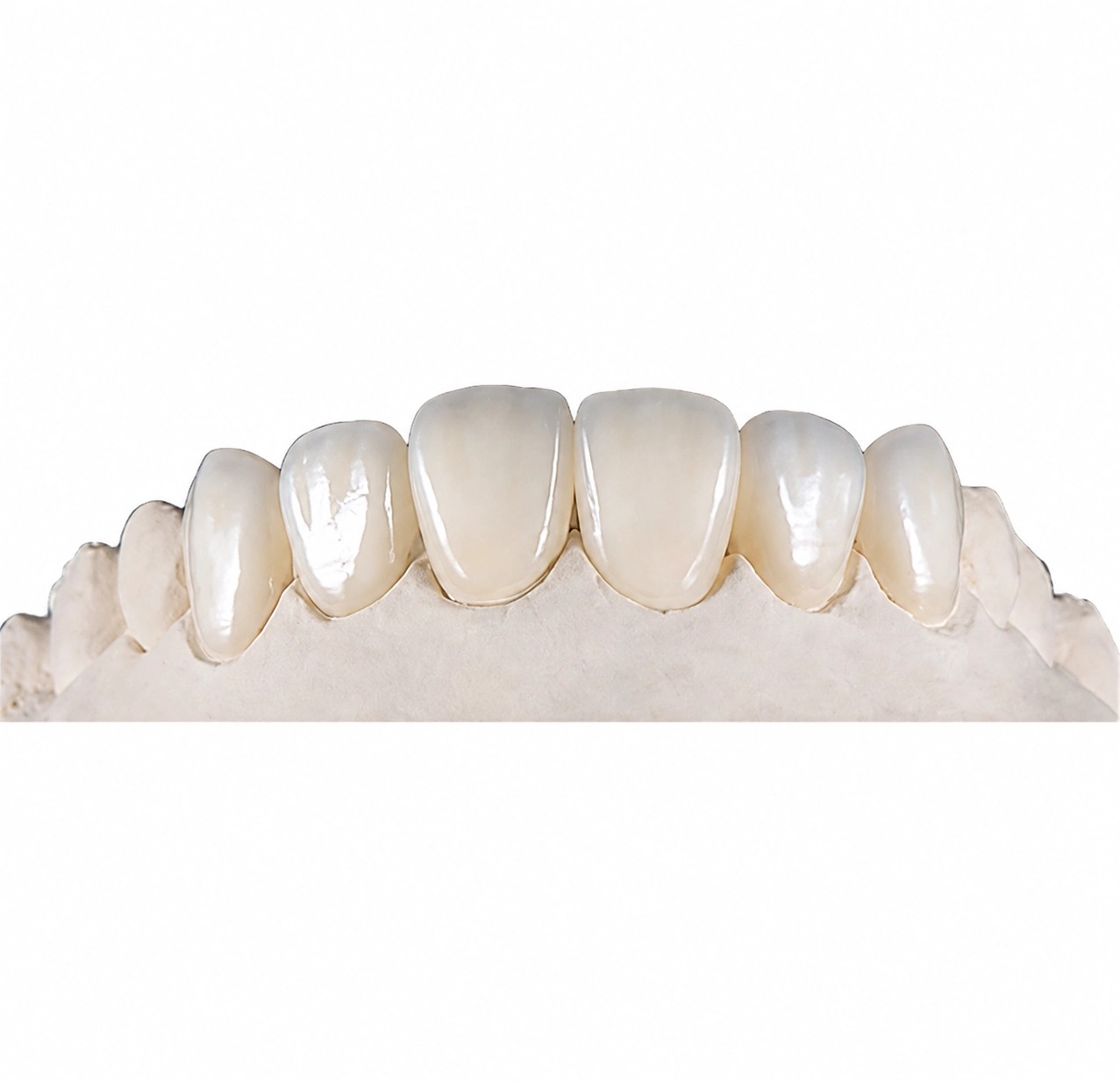
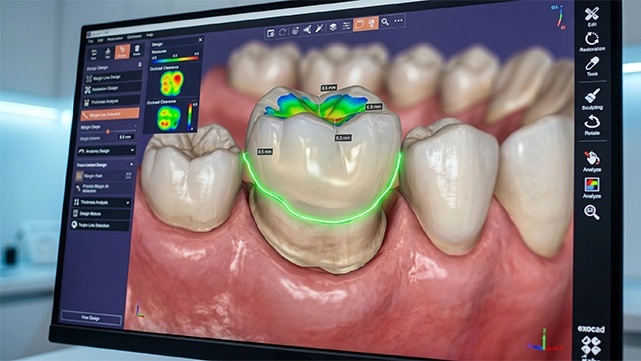
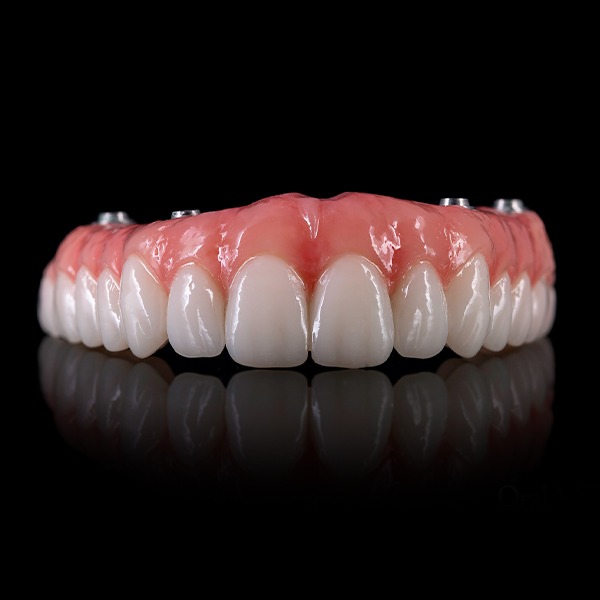
SDS presents an All-on-X PMMA workflow and CAD/CAM prosthesis design for provisional full-arch restoration production for dental labs. It also lists full-arch and All-on-X restorations within its implant restoration range. For an outsourcing brief, that category description is only the starting point. The laboratory still needs to define what the outside partner is expected to deliver.
A design-only request ends with an approved design file and a clear transfer back to the laboratory. A production-only request begins with a design that is already approved for the intended production route. A combined request includes both, but it should still retain a visible approval point between design and manufacturing.
Write the requested deliverable at the top of the case instructions. Avoid broad wording such as “complete the case” when different teams could interpret completion differently.
Organize Case Information Before Design Starts
The outside team should not have to reconstruct the case from scattered messages. Create one current case package and identify which items control the design. The exact contents depend on the laboratory’s workflow and the case, but the following questions provide a practical check.
Intended Restoration and Current Stage
State that the request concerns an All-on-X PMMA provisional full-arch restoration and identify the current stage of work. Clarify whether the partner is creating a new design, revising an existing design, or preparing an already approved design for production support.
Authoritative Case Records
Identify the current scan data, prescription, design references, and any case-specific notes the laboratory wants used. If several versions exist, mark the active version rather than asking the supplier to infer which file is latest.
Design Preferences to Follow
Provide the laboratory’s own requirements in a form that can be reviewed. Separate mandatory instructions from visual preferences and optional suggestions. If a requirement changes after the first design return, label it as a new revision rather than silently replacing the original brief.
Responsibility for Technical Questions
Name the person responsible for clarifications and the person authorized to approve the design. They may be the same person, but the roles should be explicit. This prevents an informal comment from being mistaken for production approval.
Agree on the Design Review and Approval Stages
An efficient review process is specific about status. The laboratory should be able to distinguish a first design return, a revised design, an approved design, and a file released for production. Those stages protect both parties from acting on an outdated version.
Review comments should point to the affected area and explain the requested change. Consolidated comments are usually easier to follow than several parallel message threads. When preferences conflict, the laboratory should resolve the conflict before asking the design team to proceed.
The approval message should identify the version being approved and the next permitted action. Approval of a visual preview should not be left open to interpretation if the manufacturing team needs a separate release. Likewise, requesting a revision should pause the previous version until the change has been reviewed.
This process is not about adding bureaucracy. It creates a short decision trail that can be checked when someone asks why a design changed or which version entered production.
Check the Production Handoff Separately
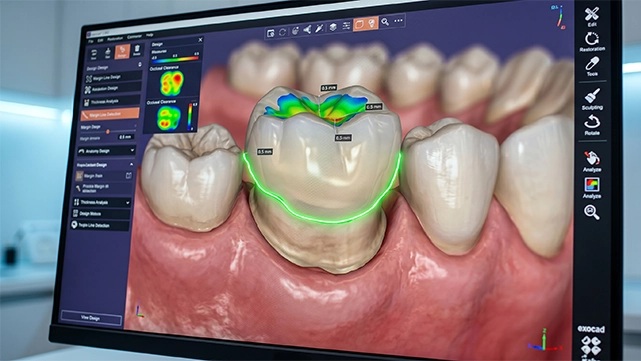
If manufacturing is included, do not treat design approval as the entire handoff. The production request should confirm that the approved design, the intended restoration, and the current case instructions still match.
Check the production scope, any laboratory-specified requirements, and the identity of the approved version. Confirm which open questions have been resolved and which items, if any, still require a decision. If the laboratory is supplying a design created elsewhere, it should also define whether the outside partner is expected only to manufacture from that design or to review and modify it before production.
Keep design changes visible after the handoff. A late change should return to an identified review step rather than entering production through an informal message. This protects the version history and makes responsibility easier to understand.
Use Revision Causes to Improve the Next Case
Not every revision indicates poor design work. Some begin with missing case information, an unstated laboratory preference, or a change introduced after review. Others may result from an instruction that was present but not followed. Classifying the cause helps the laboratory decide what to improve.
After the case, group revisions into a few practical categories: original information, interpretation, design preference, approval, and production handoff. The categories do not need to become a complicated scorecard. Their value is in showing whether the same issue is likely to repeat.
If several revisions arise from incomplete instructions, improve the case intake package. If reviewers repeatedly add preferences late, capture those preferences earlier. If the approved version becomes unclear, tighten the status labels and release step. This turns one outsourced case into a better workflow for the next one.
Questions to Ask an All-on-X PMMA Outsourcing Partner
Before starting, ask questions that expose the operating boundaries rather than inviting a generic sales answer:
- Will the scope be design-only, production-only, or design and production?
- What information should be included in the first case package?
- How will questions and revised instructions be identified?
- What will the laboratory receive for review?
- Who records approval, and what exactly does approval authorize?
- How will the production team identify the approved version?
- What happens if a change is requested after production release?
- Which responsibilities remain with the laboratory at each stage?
The answers should be recorded for the case. If an answer changes, update the operating note instead of relying on memory.
How SDS Supports All-on-X PMMA Outsourcing
SDS supports dental labs with CAD design and dental manufacturing. This allows a laboratory to discuss a design-only scope or a combined design-and-production scope for an All-on-X PMMA case, depending on its internal capacity and the handoff it wants to evaluate.
The broader dental CAD design and manufacturing services page is the appropriate place to review the available service direction. Laboratories that need to clarify files or restoration requirements can then use the SDS contact page to discuss the case before deciding the final outsourcing boundary.
Conclusion
All-on-X PMMA outsourcing works best when the laboratory defines the deliverable before the first file is sent. State the case stage, identify the controlling records, separate design review from production release, and record why revisions occur. A clear handoff does more than reduce confusion on one case. It gives the laboratory a repeatable basis for evaluating design support, manufacturing support, or a combined workflow.
FAQs
Whether Design Approval Releases the Case for Production
Only if both parties have explicitly defined approval that way. Otherwise, use a separate production release so the approved version and the next action are unambiguous.
Outsourcing CAD Design Only
Yes. A design-only scope can end with an approved file returned to the laboratory. The lab should define the required deliverable and its own downstream responsibility before work begins.
When the Laboratory Already Has an Approved Design
The request can focus on production support, but the laboratory should identify the approved version and state whether any design review or modification is permitted before production.
Reducing Repeated Revisions
Keep one current case package, identify the active files, consolidate review comments, separate mandatory requirements from preferences, and record the cause of each material revision.
The Most Important Question Before Outsourcing
Ask what the outside partner is responsible for delivering and where that responsibility ends. Once the scope is clear, the files, review stages, and approval language can be organized around it.
Contact Us