
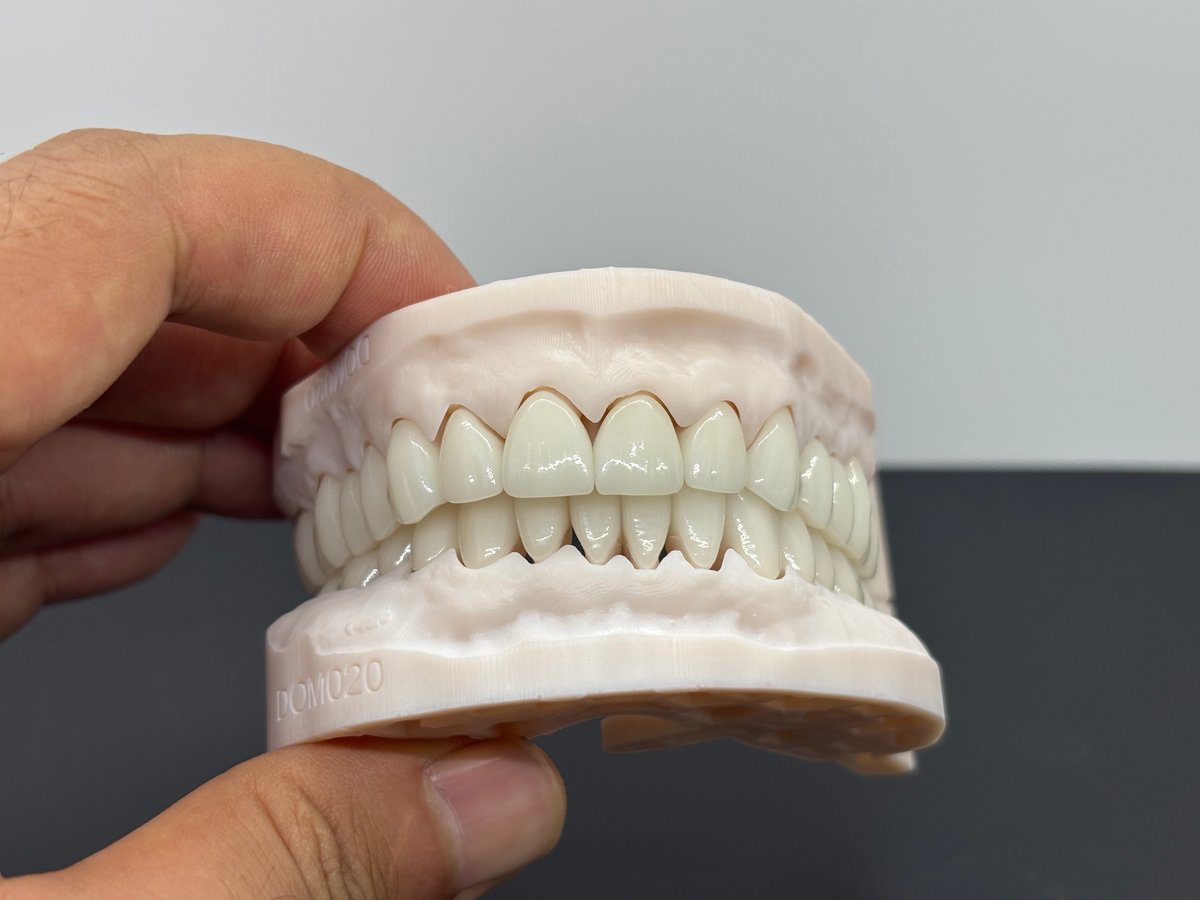
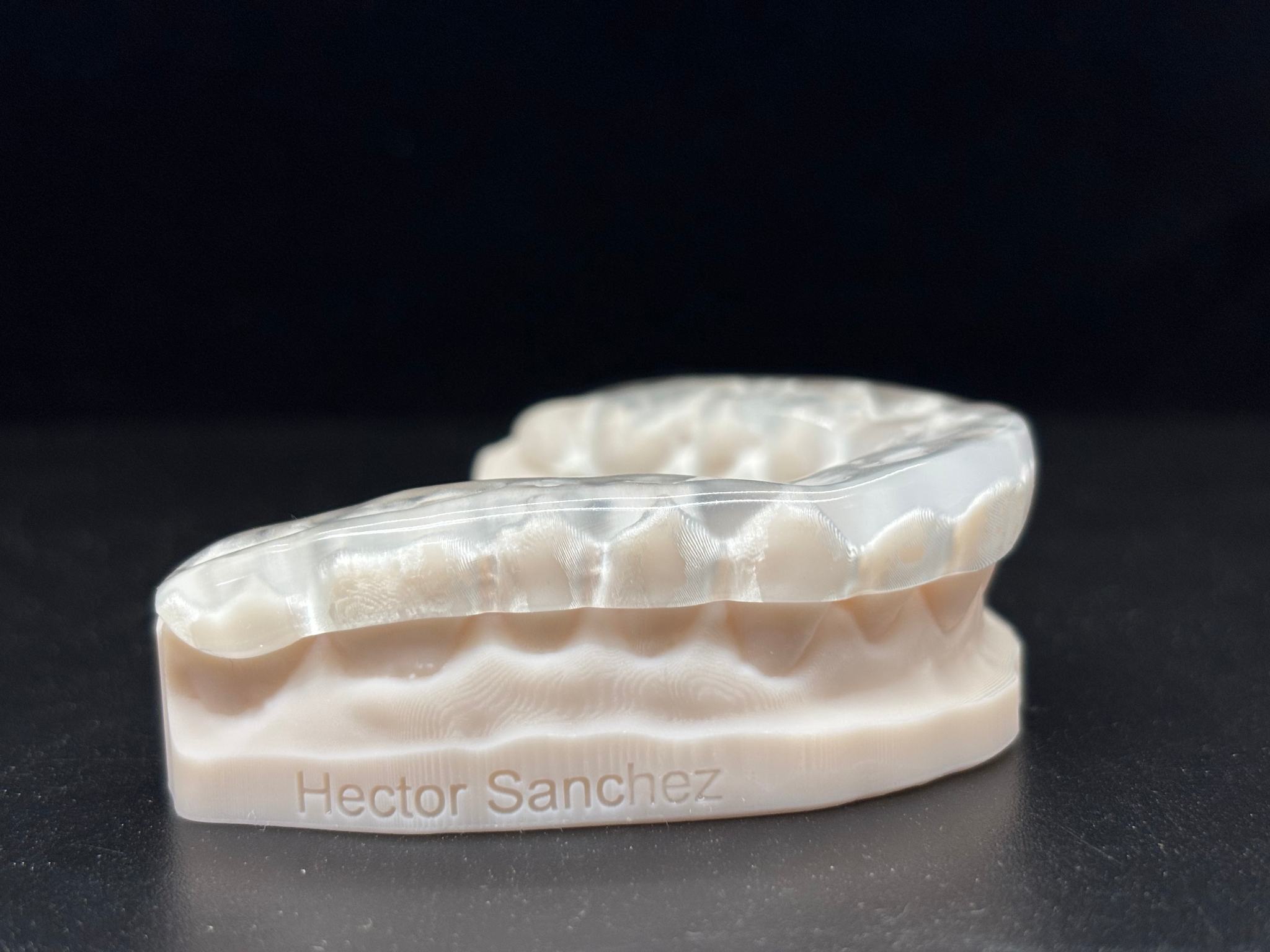
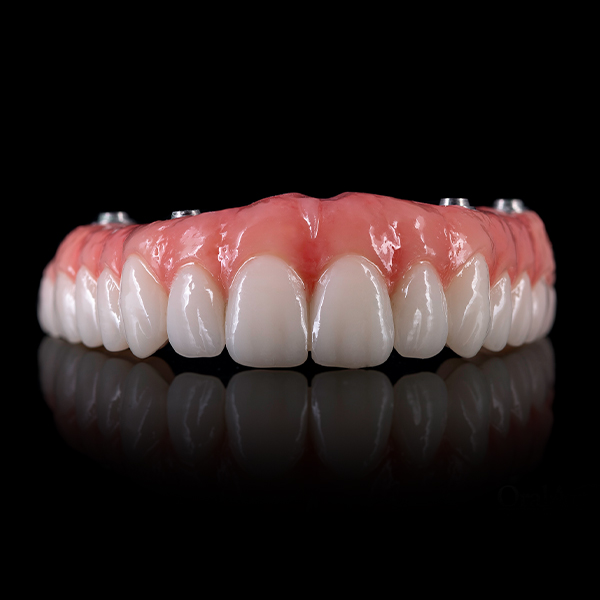

Related news
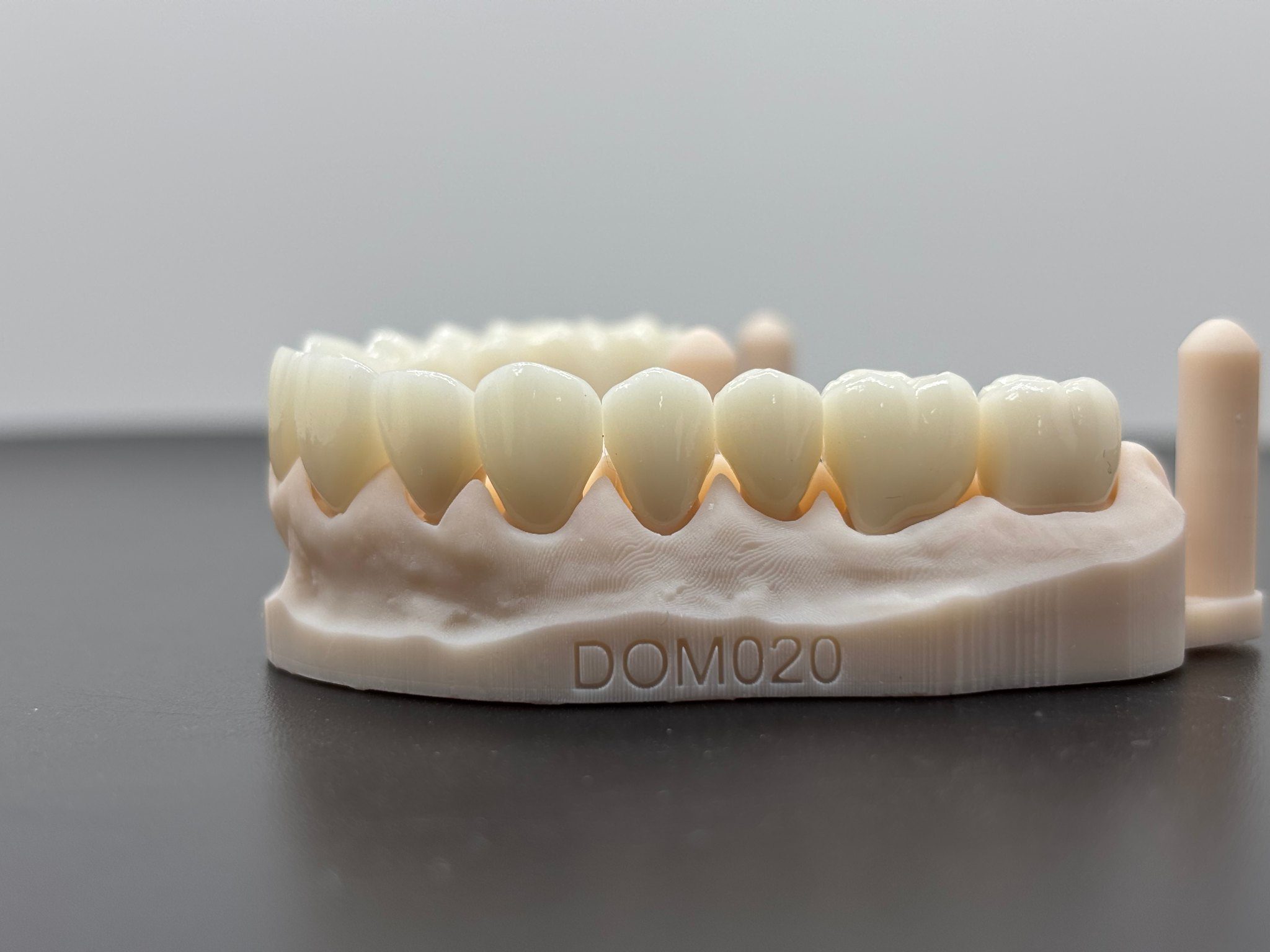
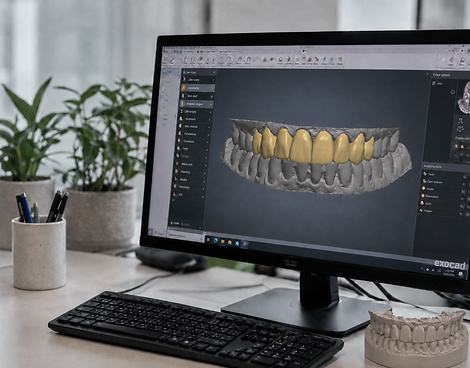
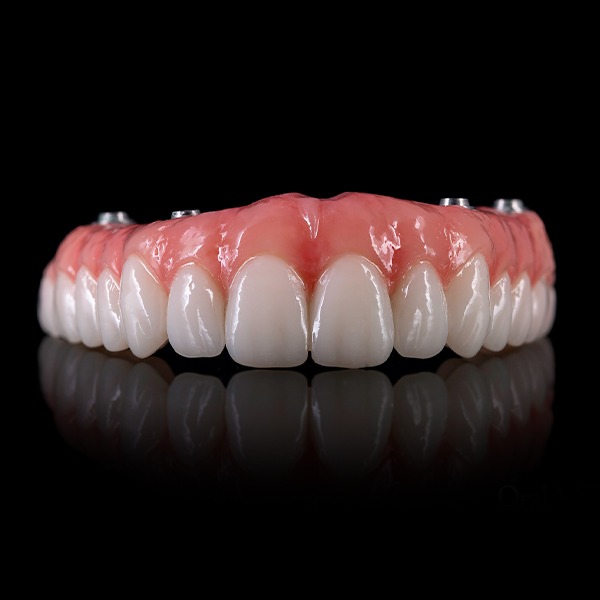
PMMA Bridge Outsourcing: What Dental Labs Should Confirm Before Production
Before you send a PMMA bridge to production, open the file you think is final and check the approval against it. Is that approval for the design, for manufacture, or for both? If the note doesn’t say, stop there. The same note should carry the material decision and the return you expect from the supplier. Otherwise, two people can read “approved” and start two different jobs.
One limit is important from the outset. This page is about a PMMA bridge in fixed restoration. It is not about an All-on-X full arch. On the SDS site, PMMA Bridge appears under fixed restoration and is presented as a provisional, digitally designed and milled restoration.
1. Start by Naming the Job Properly
First, spell out the units and the work you’re buying. Maybe you’re sending scans and want a design. Maybe the design is finished and you only want manufacturing. Or perhaps one partner will take the job through both stages. Say which one it is. Then say what should come back. Don’t leave the real scope buried in a filename.
Also keep a fixed bridge separate from a full-arch implant job. Both may mention PMMA, but that’s where the similarity can end. You may need different records and a different reviewer. SDS includes temporary bridges in its fixed-restoration range; your prescription and the scope you agree with the supplier still control the case.
2. Send a Case Package, Not a Trail of Messages
Email makes old files look current. To avoid that, build one working folder around the case number. Leave the live version in plain view and move the rest out of the way. Put the prescription and shade note beside it. Add the references the technician is meant to use, plus the opposing record or bite if this job needs them. Now hand the folder to someone who hasn’t seen the case. If they pick the right file, the package is doing its job.
A file extension is only the first check
STL, OBJ and PLY appear among the common digital dental files listed by SDS. That answers the format question at a broad level. It does not settle whether a native project, library details, coordinate orientation or a named export version is needed. Ask before upload. A readable file can still be the wrong production file.
Tell the partner what decision is due
Why are you sending the case today? Write the answer: new design, one limited change, a production check, or manufacture of a design you’ve already accepted. If the approved geometry is locked, name the version and write “do not alter.” If you want the supplier to ask rather than guess, write that in the same place.
3. Make Design Comments Specific Enough to Check
For its PMMA Bridge, SDS lists shade, tooth anatomy, pontic design, occlusion, contact strength, margin design, emergence profile and gingival contour as fields that can be customized. Use the list to make sure you haven’t skipped a relevant point. Don’t read it as a set of default values. The dentist’s prescription and your lab’s preferences still have to travel with the job.
Tooth numbers and pontic positions go in words. A red circle on its own can mean several things.
For shade, include both the request and the reference behind it.
For contacts and occlusion, write what your reviewer will actually look for.
If a particular margin, emergence profile or gingival contour matters, identify it rather than commenting on the whole bridge.
Finally, tag each item as prescription or lab preference.
That tag saves arguments later. A prescription item isn’t optional. A house preference is important too, but it’s a different kind of instruction. Once the reviewer can see the difference, it’s easier to decide what has to change and what simply needs discussion.
4. A Material Name Is Not the Whole Specification
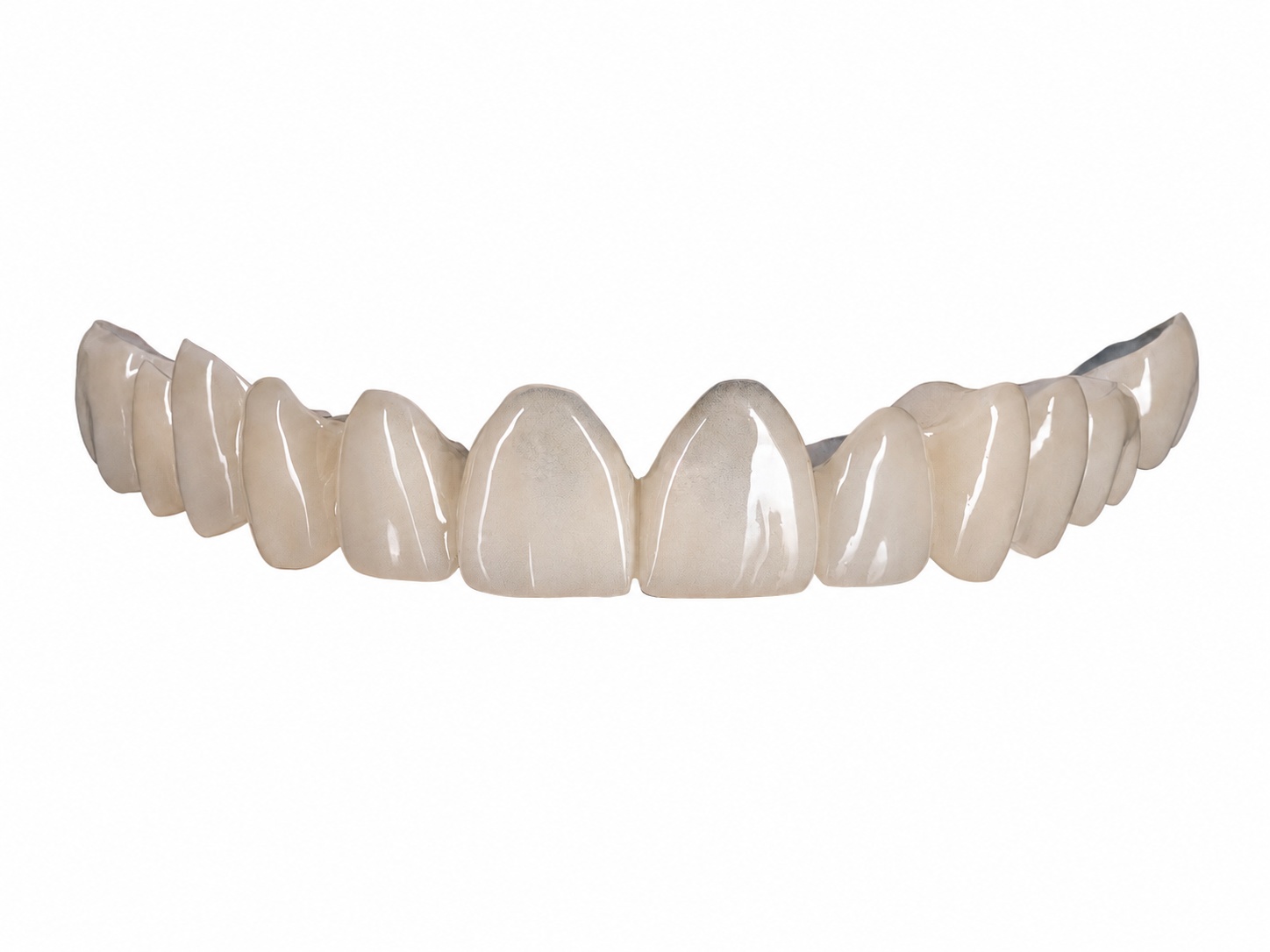
SDS shows four material labels on the product page: monolayer PMMA, multilayer PMMA, high-strength PMMA and temporary resin material. They help you begin the material conversation. They don’t tell a technician which brand, connector or milling setup belongs to your bridge. Those details must come from the case and the production route you’ve accepted.
Be careful with numbers borrowed from yesterday’s job. Its thickness, nesting instruction or CAM setting might have been right there and wrong here. Send only the requirements your lab has cleared for this bridge. Ask the supplier to raise a conflict before cutting material. And when one partner handles CAD plus manufacturing, keep prescription choices and production notes in separate blocks. It’s much easier to review that way.
5. Give Approval and Release Their Own Names
You can accept the design and still hold the case. Material may be open, or a manufacturing detail may need one more answer. So use two labels: “design approved” and “released for production.” They can share a date. They shouldn’t share a meaning.
The release can be brief: case, file, approving role, date, material, exceptions. SDS says on its OEM/ODM page that technicians can complete CAD design, milling, 3D printing, finishing or other production steps according to approved requirements. Read that last phrase carefully. It doesn’t put every process on every bridge; it ties the work to what was actually approved.
6. Agree on What Comes Back
Now decide what you expect back. With design-only work, that might be one named file and its version. Add manufacturing and the answer changes: you may also need physical identification, documents, packing instructions or delivery details. Ask the supplier about this job. A general service page won’t fill in your order form.
Ask about the final check as well. What will they look at? How will they report a problem? Who can approve a correction? If you want photos before shipment, request them. “Ready” is a vague word until both sides have agreed what sits behind it.
Eight Lines Worth Checking Before Release
Case — have you written the case number, units, restoration and current stage?
Files — can a new reviewer spot the live scan or design immediately, with the prescription and shade note beside it?
Authority — does the supplier know what it may change and what is locked?
Review — have you named the anatomy, pontic, bite, contact, margin or soft-tissue point that matters on this bridge?
Material — is the category recorded, along with the case requirements your lab has approved?
Release — does the note clearly say approved, released, or on hold?
Return — have you agreed on the files, restoration, documents, packing and delivery that will come back?
Questions — who receives them, and who has the authority to answer?
How This Connects to SDS
SDS offers CAD design and manufacturing support for dental labs. If you’re asking about a PMMA bridge, send the job rather than a vague request for pricing. Include the current package. Say whether you want design, manufacturing or both. Mark anything that remains undecided. That gives the SDS team something definite to review before you release production.
Product and workflow information is available on the SDS website. The contact page is the place to check the file package and agree what happens next on a live job.
Conclusion
A good release is easy to read. It points to one restoration and one live file. It tells the supplier who controls the design, what material was agreed, whether production may begin and what should return to the lab. You don’t need a long manual. You do need a note that a second reviewer can understand without calling the first.
FAQs
If the design is approved, can production start?
Only when you say so. Link the production release to the approved version and include the material decision. If you’re still waiting on either point, hold the job.
Is an STL all the supplier needs?
Sometimes it’s the main file, but don’t assume it’s the whole package. SDS lists STL as a common format. Your case may also need the prescription, opposing records, photos, library details or a native project. Check what’s needed before you send it.
Do fixed PMMA bridges and All-on-X PMMA share one instruction set?
Some handoff habits transfer, but the cases should be defined on their own terms. The subject here is a fixed-restoration PMMA bridge.
What should the lab send for a useful quotation review?
Give the supplier the restoration, the live files and the requested scope. Include the material discussion, present approval status and required return. Now there is a job to review, not merely the words “PMMA bridge.”
Contact Us